Interaction with the chart

The tab offers a number of methods that allow for adding/removing visual elements on the chart, such as points and lines.
public void SetChartElement(IChartElement element)The method takes a graphic element cast to the interface type IChartElement and displays it in the area of the candle chart.
There are 3 classes in the program that implement this interface:
1. Line – a segment with arbitrary length and angle of inclination.
2. LineHorisontal – a horizontal line.
3. PointElement – a point on the chart area.
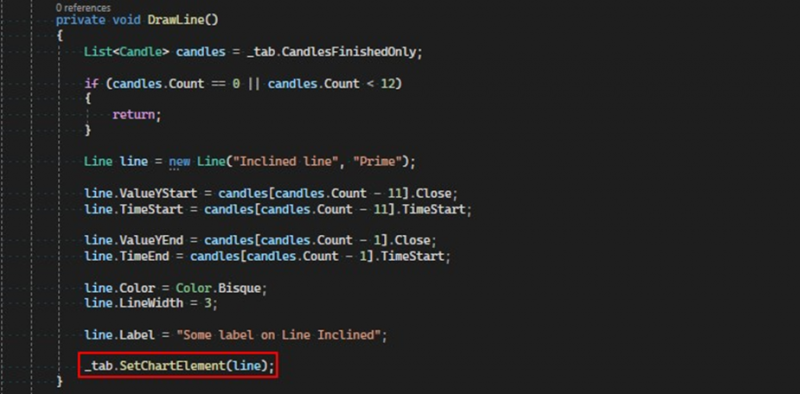
public void DeleteChartElement(IChartElement element)Removes an element from the chart, takes the element that needs to be deleted.

public void DeleteAllChartElement()Removes all graphic elements from the chart area that were created from the robot's code.
public string GetChartLabel()Returns the label that is displayed above the chart.
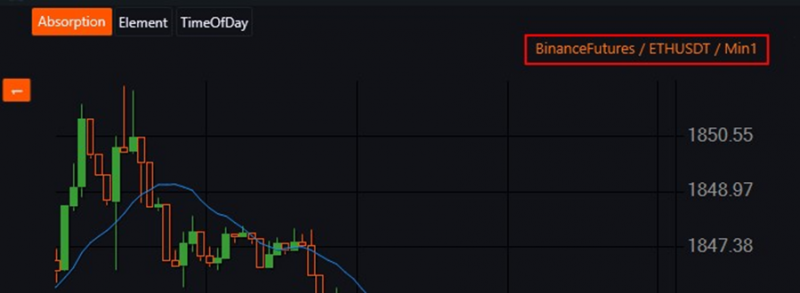
public void MoveChartToTheRight()Moves the chart focus to the last candle in the series.
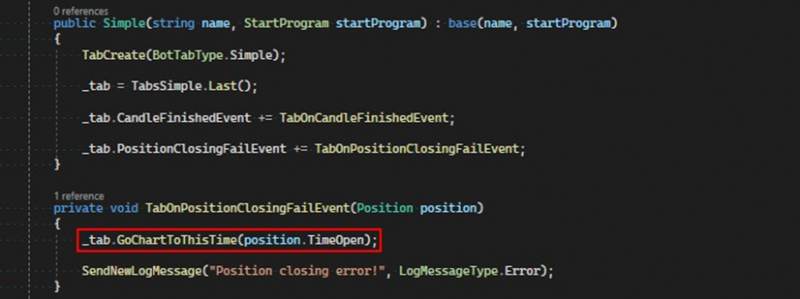
public void GoChartToThisTime(DateTime time)Moves the chart focus to the candle whose opening time corresponds to the time parameter received. For example, in the case of an error closing a position, it can show the entry point of the position on the chart.
public ChartCandleMaster GetChartMaster()Returns a reference to the drawing master.
If you have any difficulties or questions, please write to the support chat. Link